

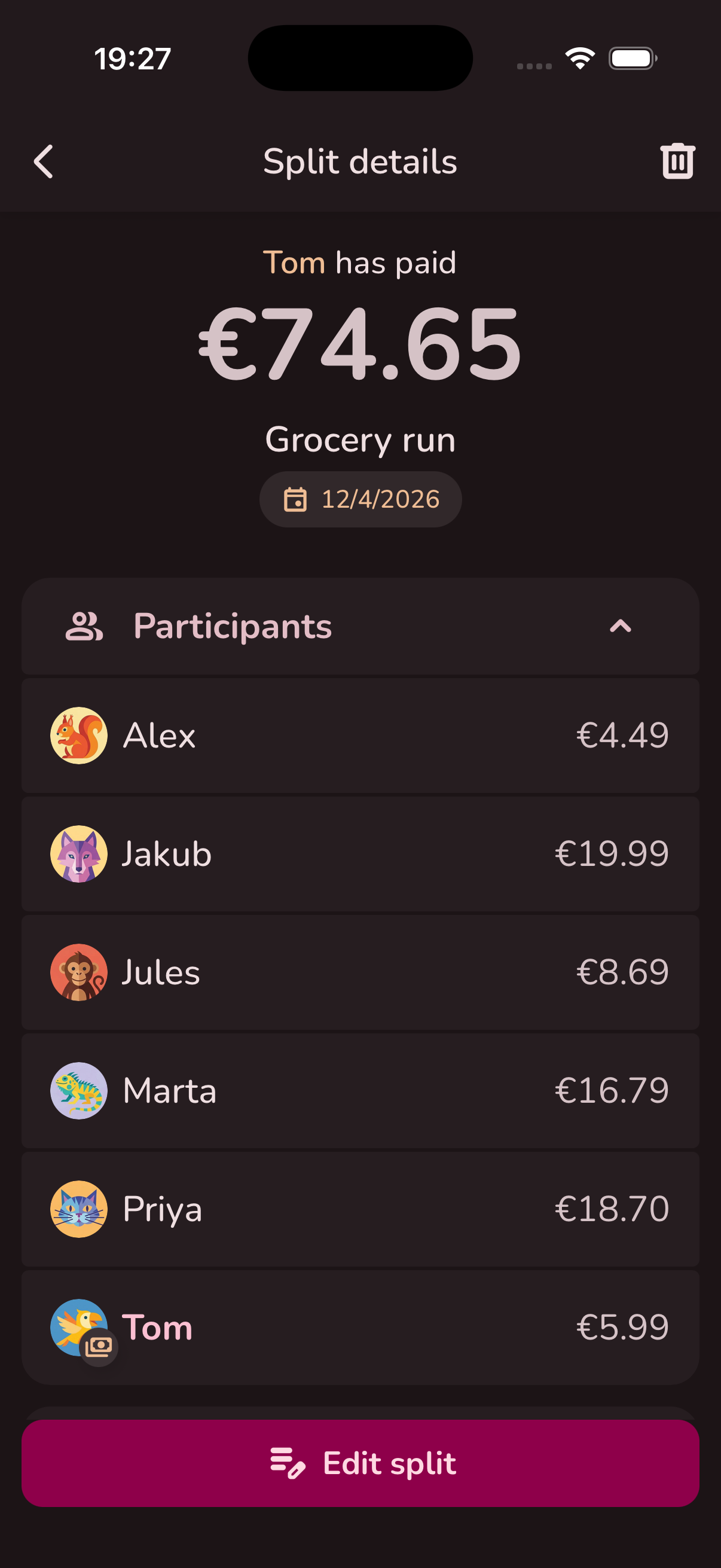
Everything you need to
split expenses fairly
Multiple split methods
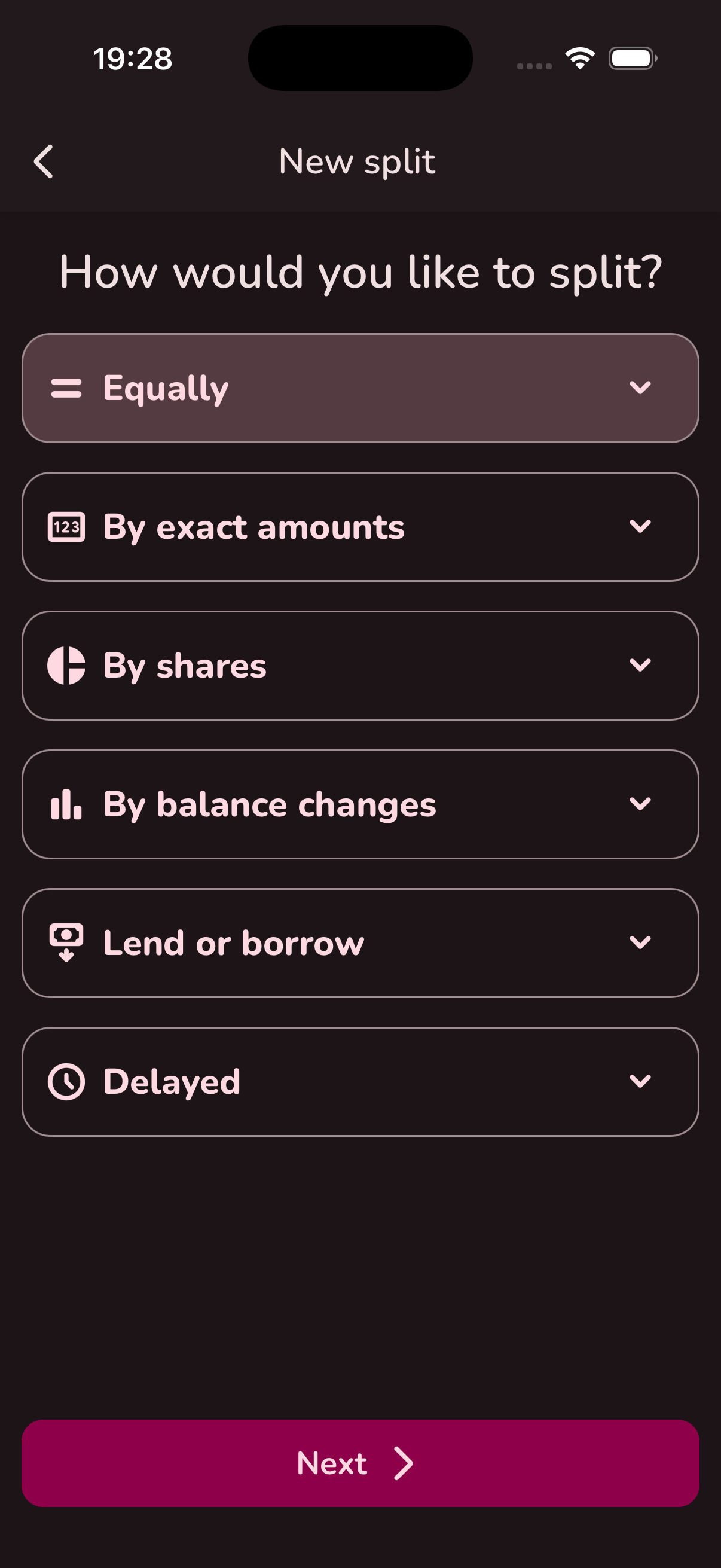
Equal splits, exact amounts, custom shares, balance changes, lending, and delayed splits. Pick what fits the situation.
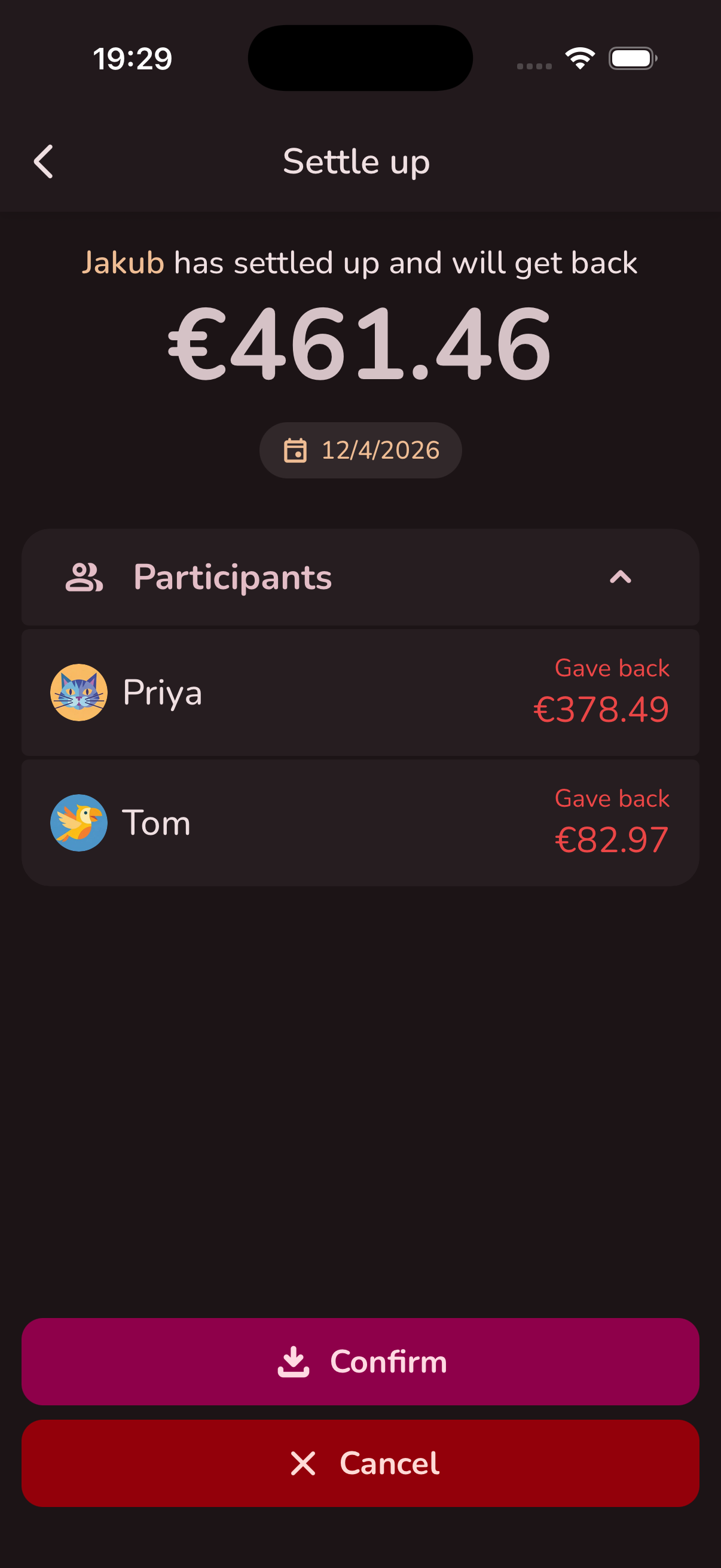
One-tap settle up
See exactly who owes whom. The algorithm optimizes for minimal transactions so fewer payments are needed.
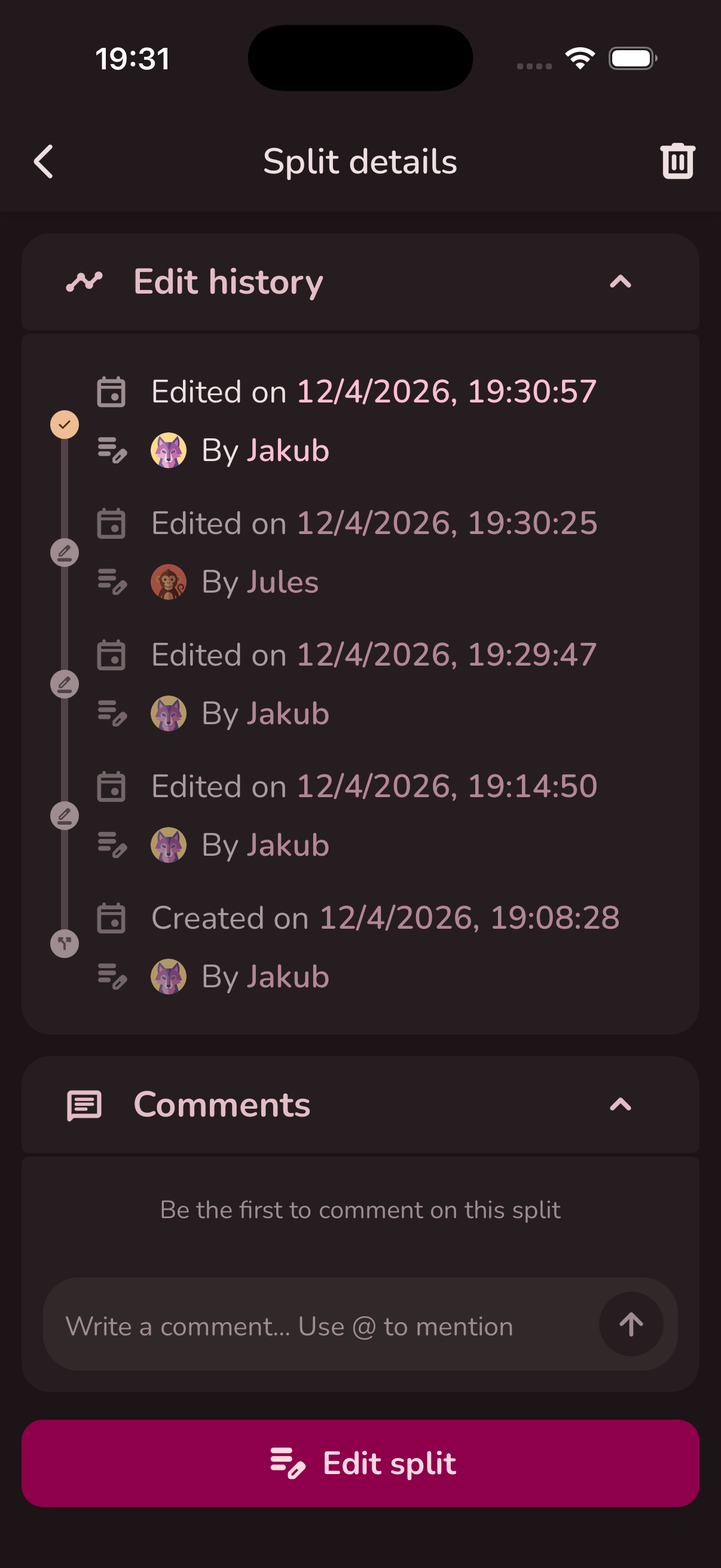
Full edit history
Every change to a split is tracked. See who edited what and when — no more "I didn't change that" debates.
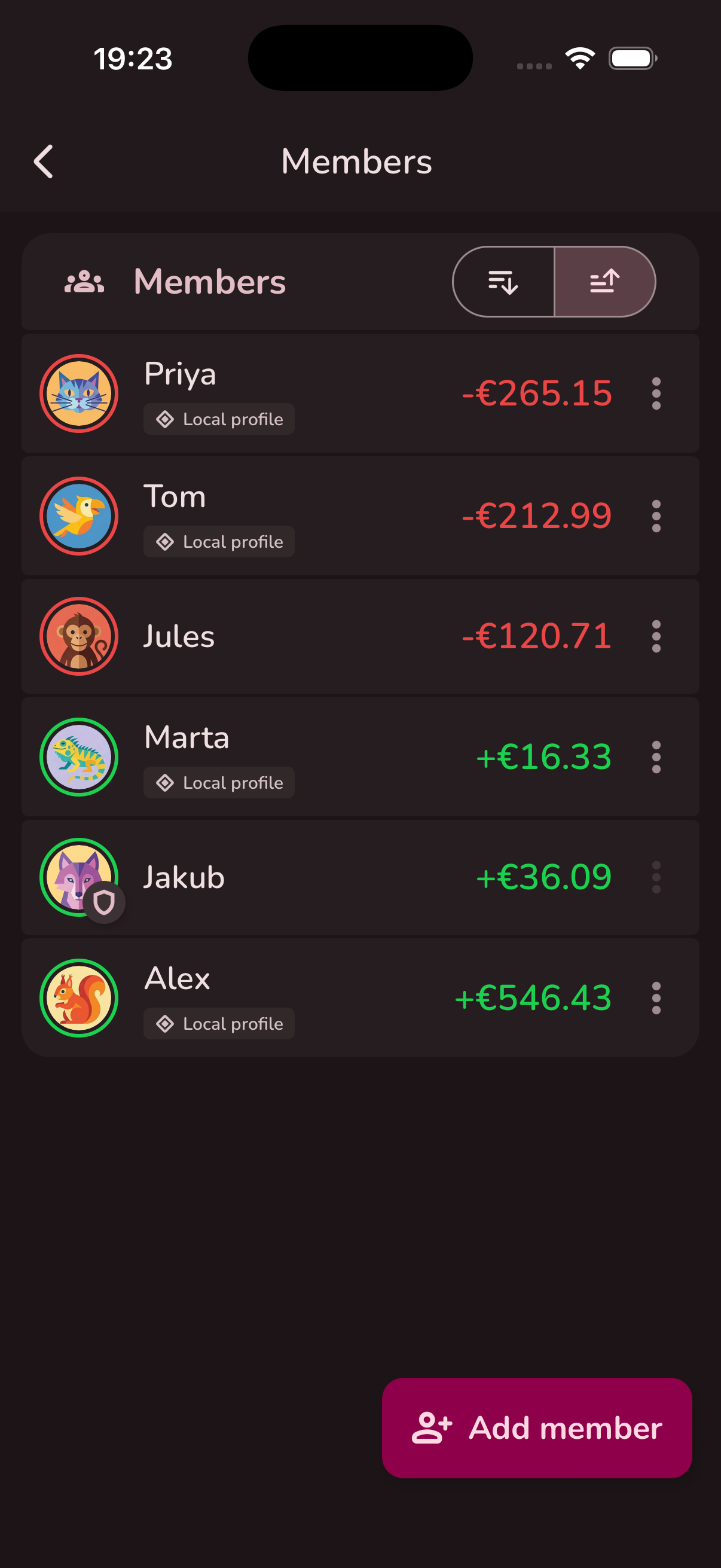
Flexible group management
Invite members, manage permissions, add local users for people without an account, and set currency per group.
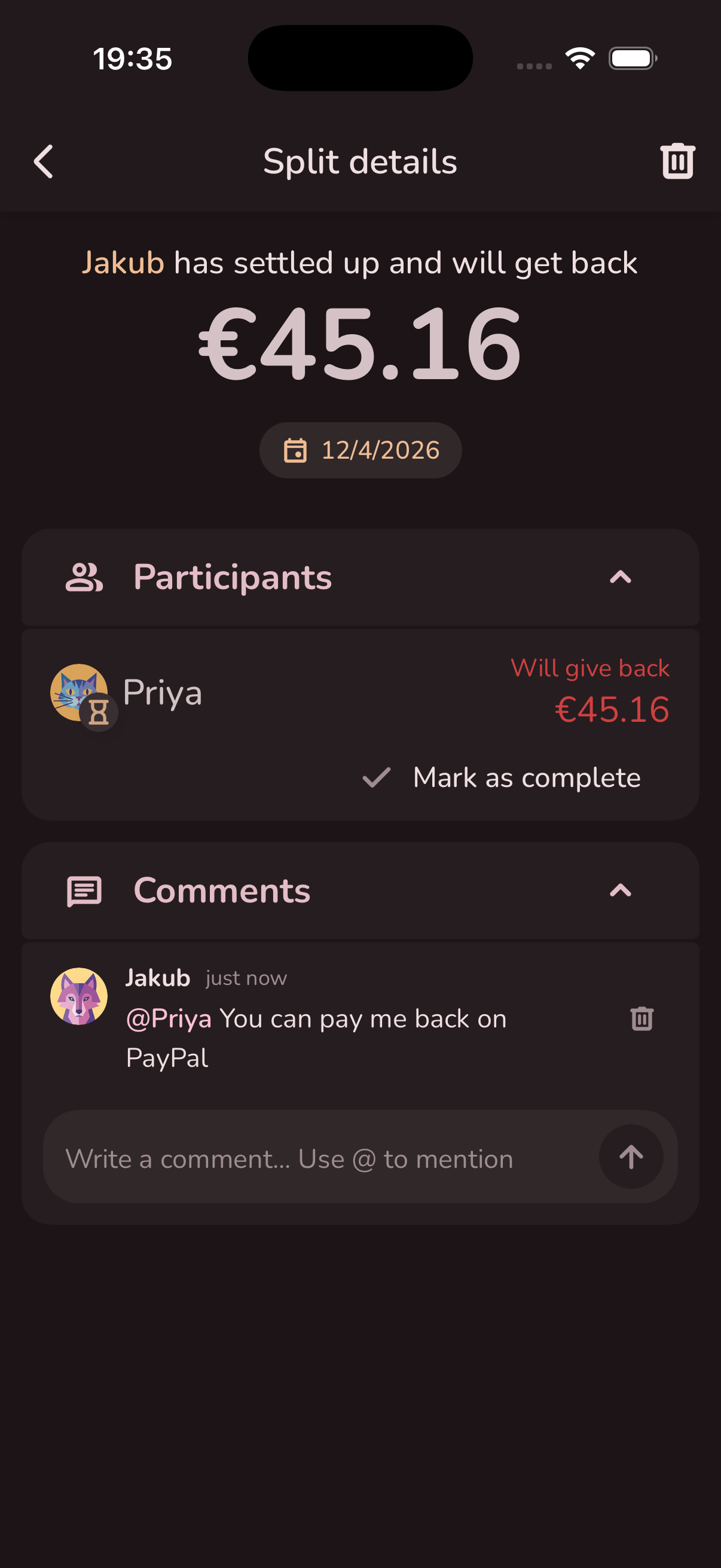
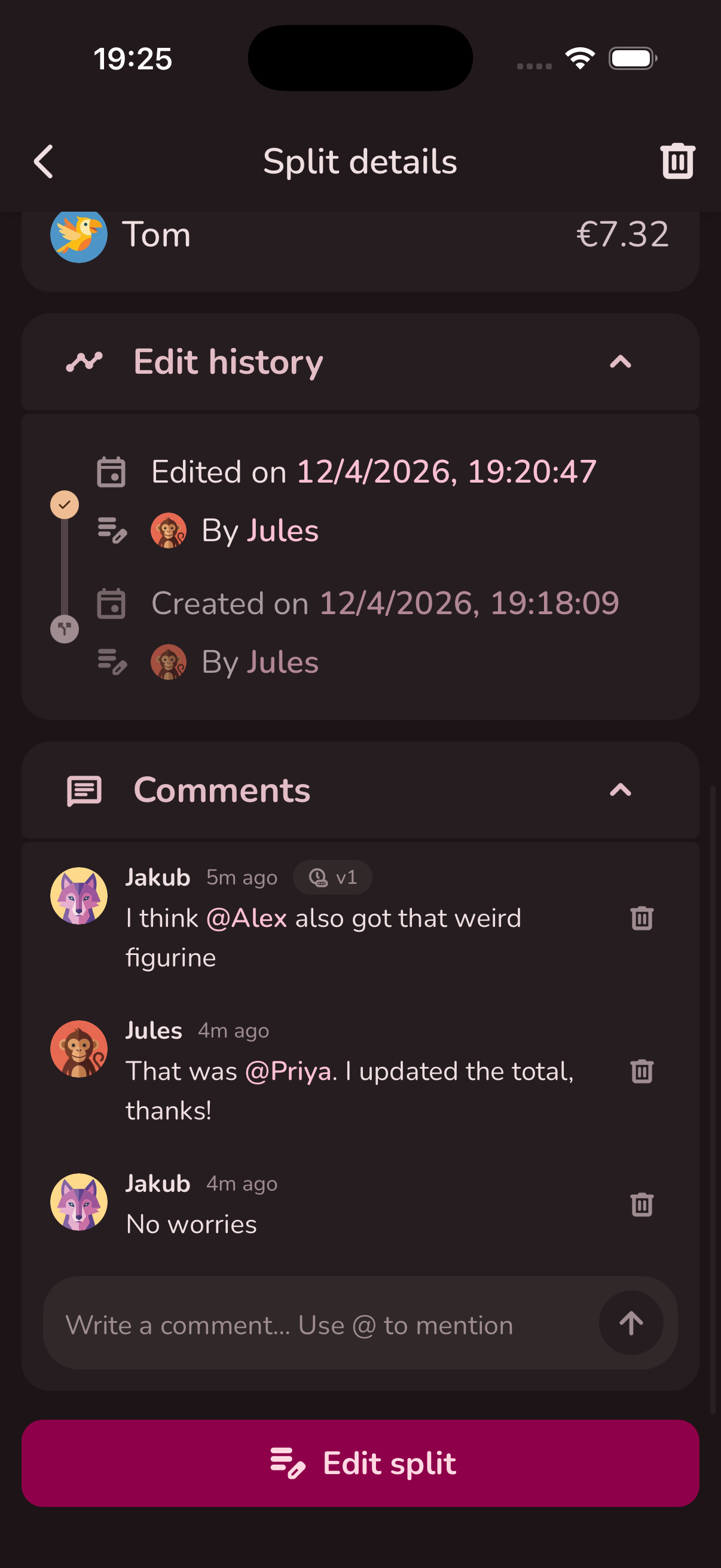
Comments on splits
Discuss expenses right where they happen. Add context, ask questions, or leave notes for the group.
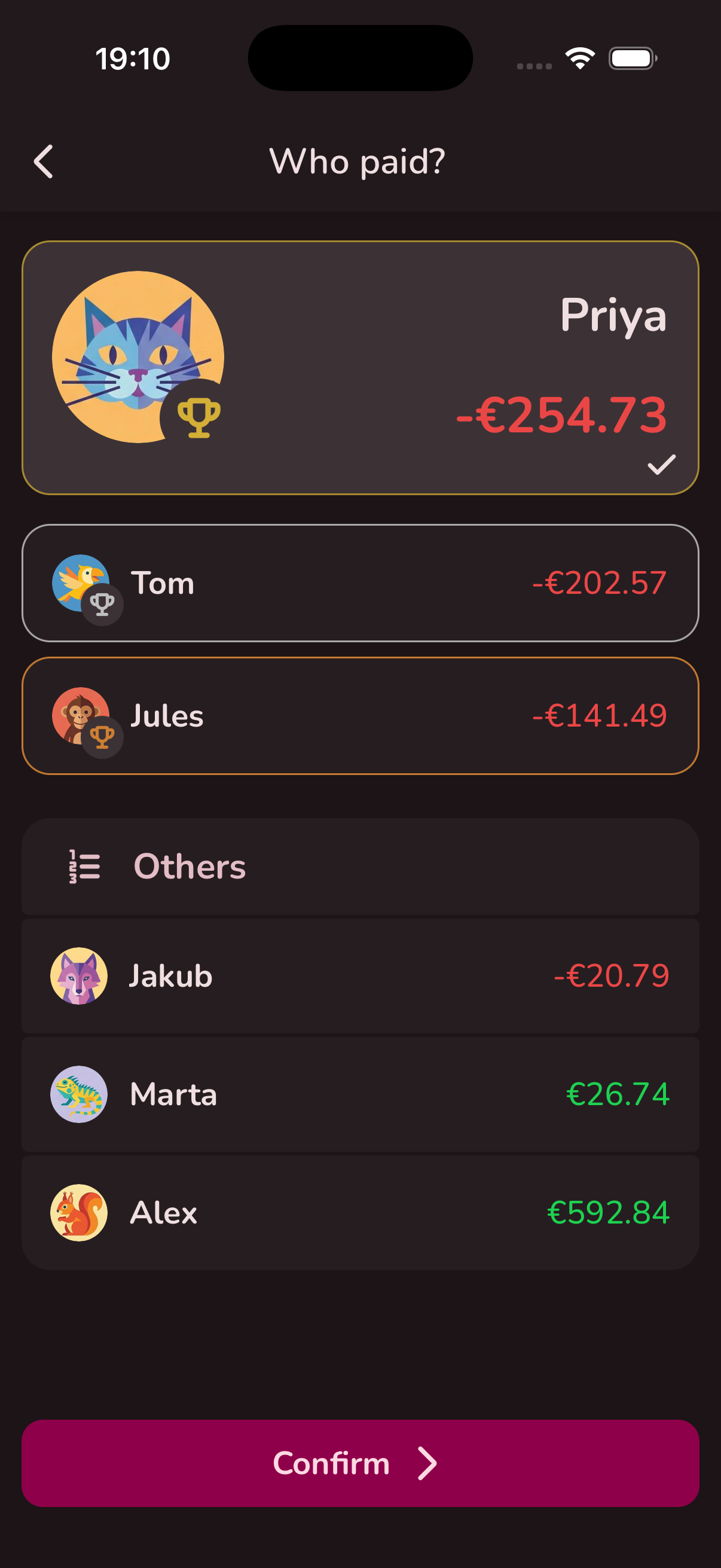
Who's paying? Spin it!
Can't decide who picks up the tab? The built-in roulette settles it fairly and entertainingly. Weighted by balance so it stays fair.
Six ways to split any expense
No two expenses are the same. Pick the method that fits the situation — from a simple equal split to full custom control.
Equally
Split the total equally among selected participants. Adjust individual values manually afterward if needed.
By exact amounts
Enter exactly how much each person owes. For when you already know the breakdown.
By shares
Assign proportional shares to each participant. The total is divided based on the ratios you set.
By balance changes
Directly adjust everyone's balance. Multiple people can go negative as long as the total equals zero. Great for poker nights.
Lend or borrow
Record loans between members. Transfer debts from outside the group into Split.rest.
Delayed
Record the payment now, finalize the split later. For when you know the total but not yet who owes what.
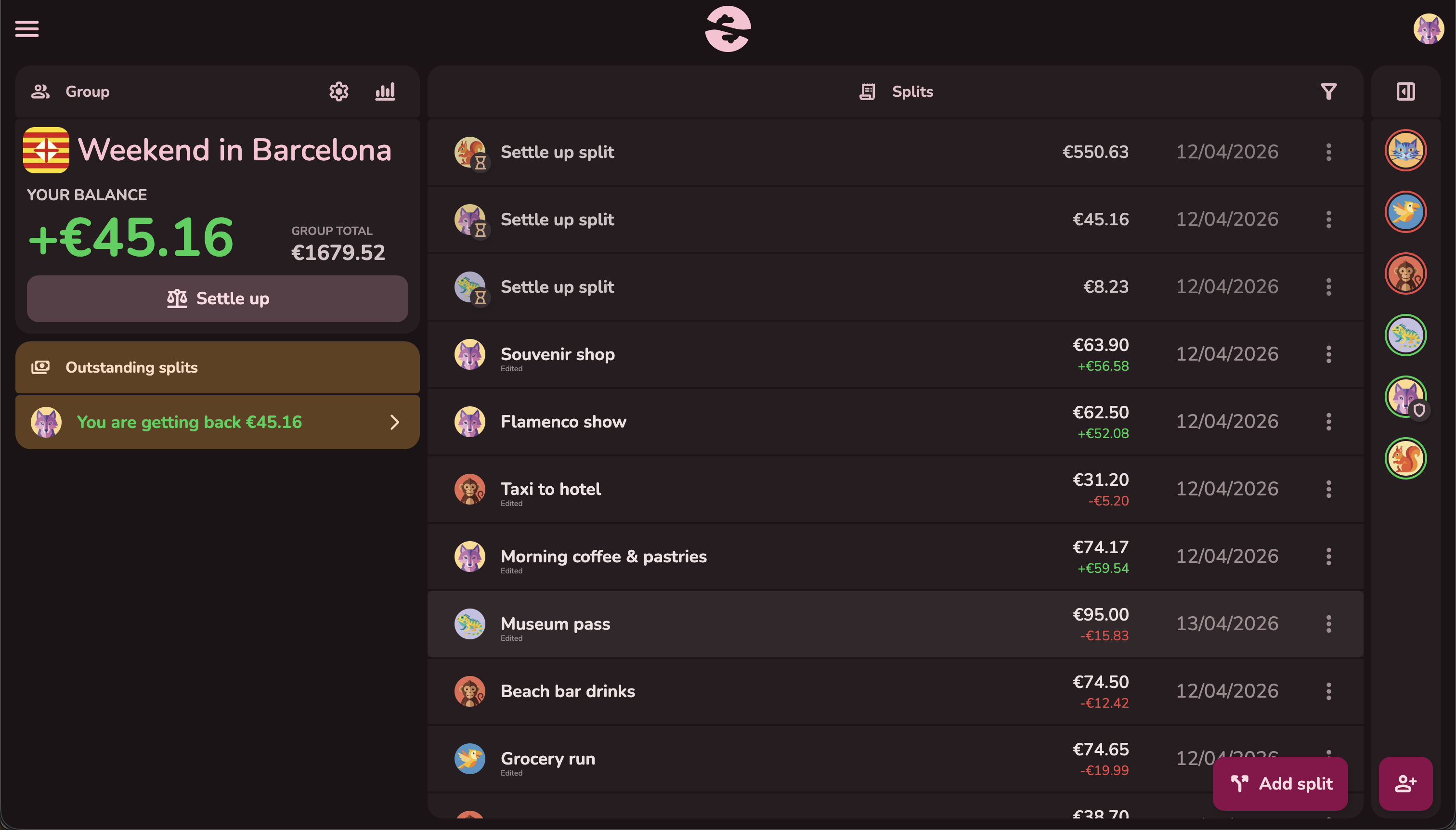
Looks great on every screen
Whether you're on your phone, tablet, or desktop — Split.rest adapts beautifully. Use the web app on any device or install the native apps.
Dark mode & light mode
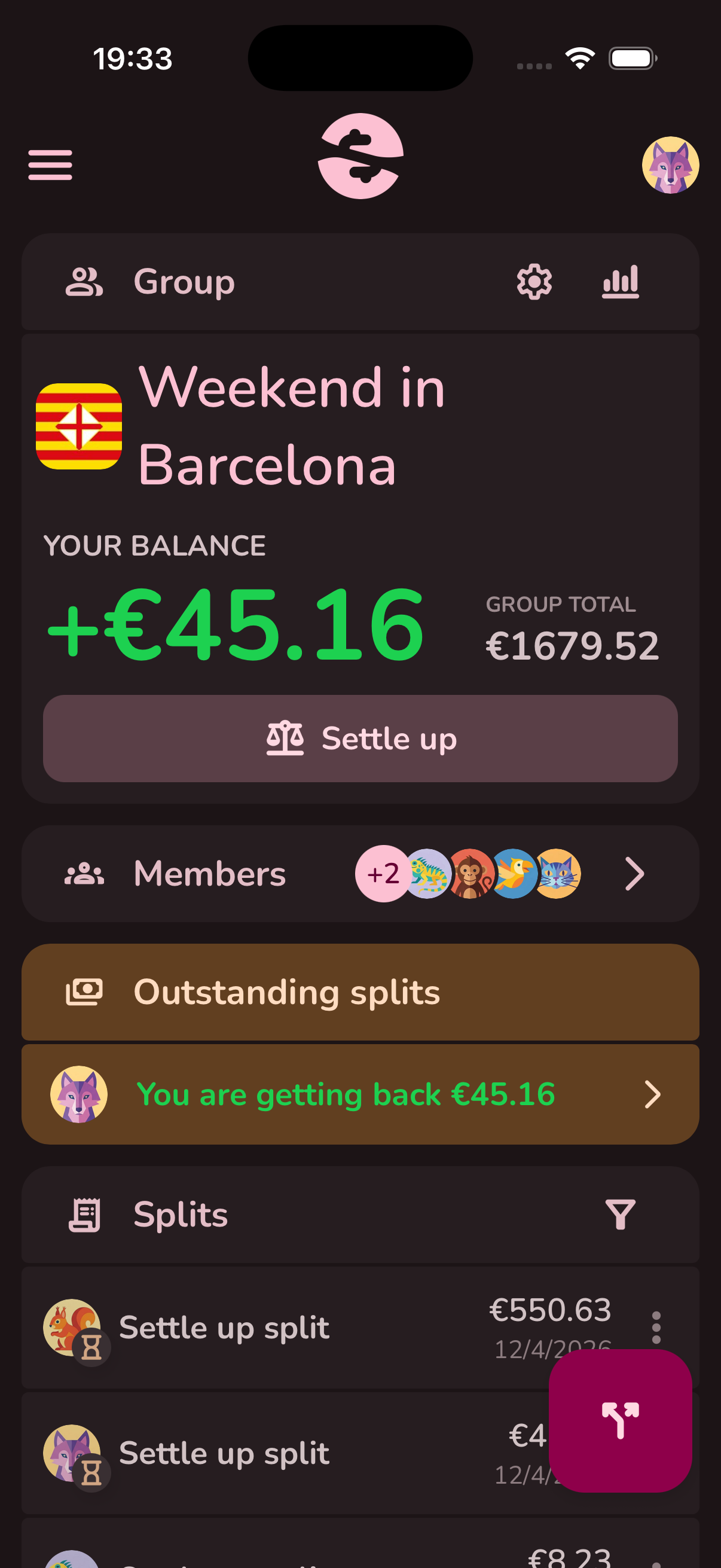
Dark mode
Easy on the eyes, perfect for late-night expense tracking.
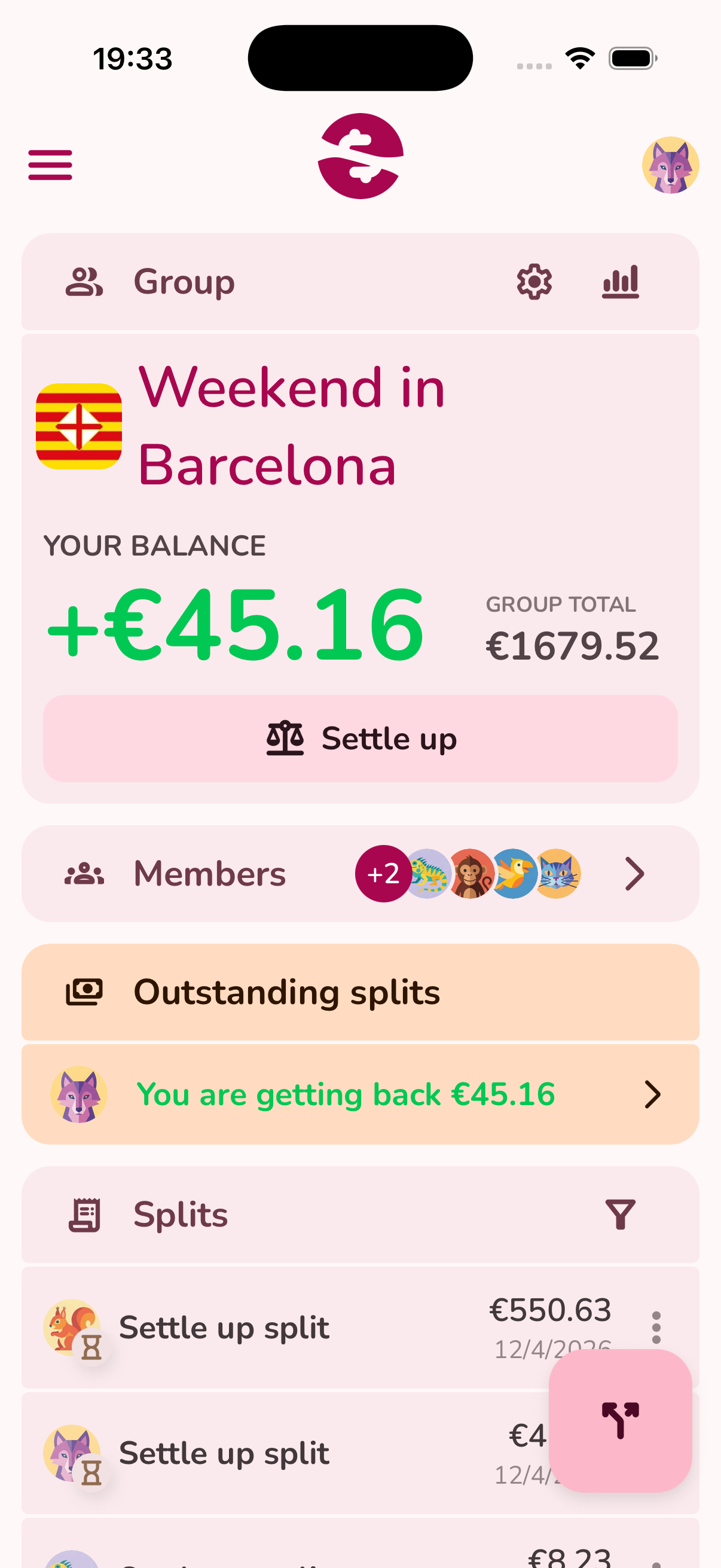
Light mode
Bright and colorful for daytime use.
Ready to stop the
"who owes what" chaos?
Create a group, add your friends, and start splitting. It takes less than a minute to get started.